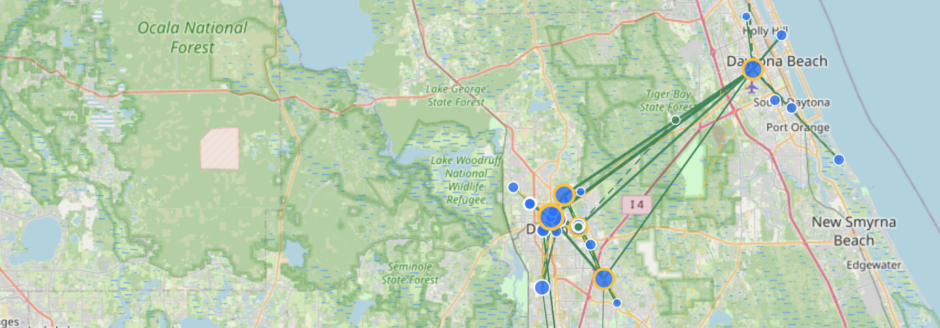
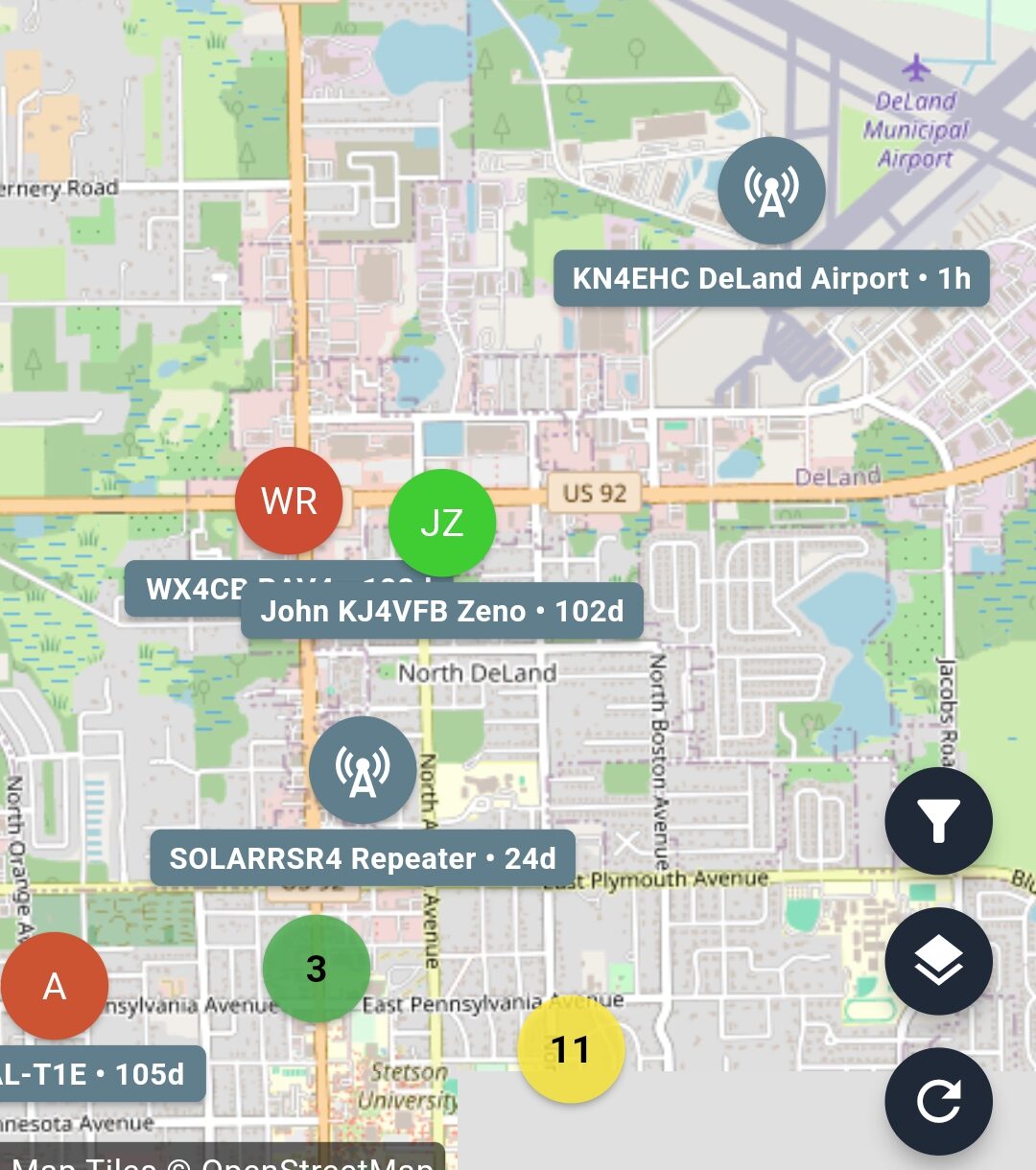
An advert is a specific type of packet sent on the MeshCore network to advertise a node on the network. Repeaters and room servers will advertise themselves on a schedule set by the node administrator. This is generally anywhere from 12 to 60 hours.
While you have your companion powered up, it will receive the adverts and add the nodes to your contact list (assuming you have the auto-add preference set). This is how your companion will start to know what nodes are on the network. If you only have your companion powered up occasionally it can take a very long time to learn of the repeaters out there.
Your companion does not periodically advert. It is up to you to send out adverts, though it is not necessary that you do and considered bad practice to send out adverts haphazardly. There are times when sending an advert is appropriate.
- Sending out a position report
- Communicating out your public key
Let’s say you are new to an area–you finally took that long overdue vacation–and you want others to know you are in the area. Sending an advert can accomplish both items above and let others recognize you. By doing so you will now be seen on the maps in the MeshCore application and with announcing yourself in the Public channel, you should be able to find a number of people out there to talk to.
Once you receive an advert from others, you will have their public key. This now allows you to send direct messages to them–that is assuming that they were online when you sent your advert.
That is really it for adverts. It is just a way of announcing your availability on the MeshCore network and provide your position if you have a GPS on your companion.
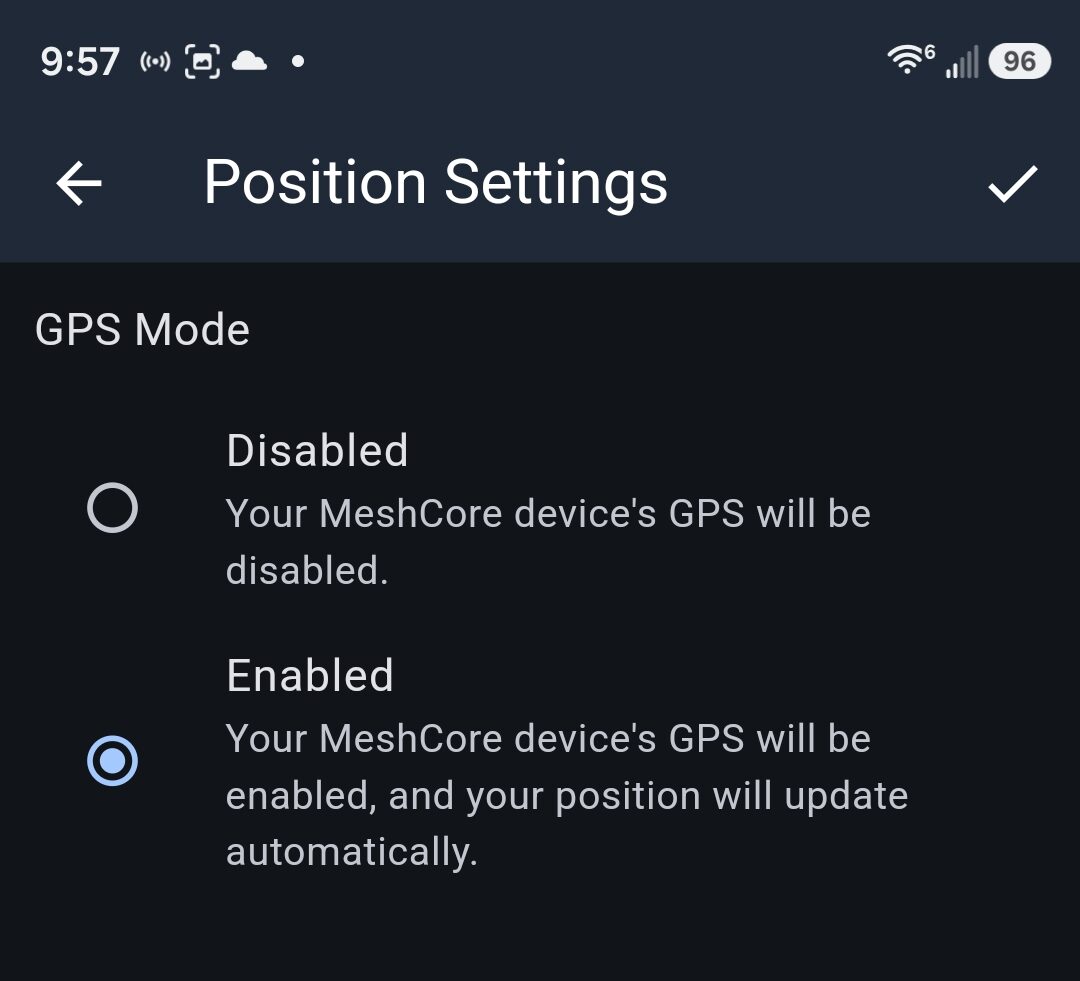
A quick note about the companion settings. Even if your companion does have a GPS, you may not be sending position updates. There are two spots in the settings that allows access to the GPS and sending position reports. First you want to go into the Position Settings and insure that access to the GPS is enabled. This setting allows the companion to talk to the GPS so that the companion will know where it is at. This is only half of the setup.
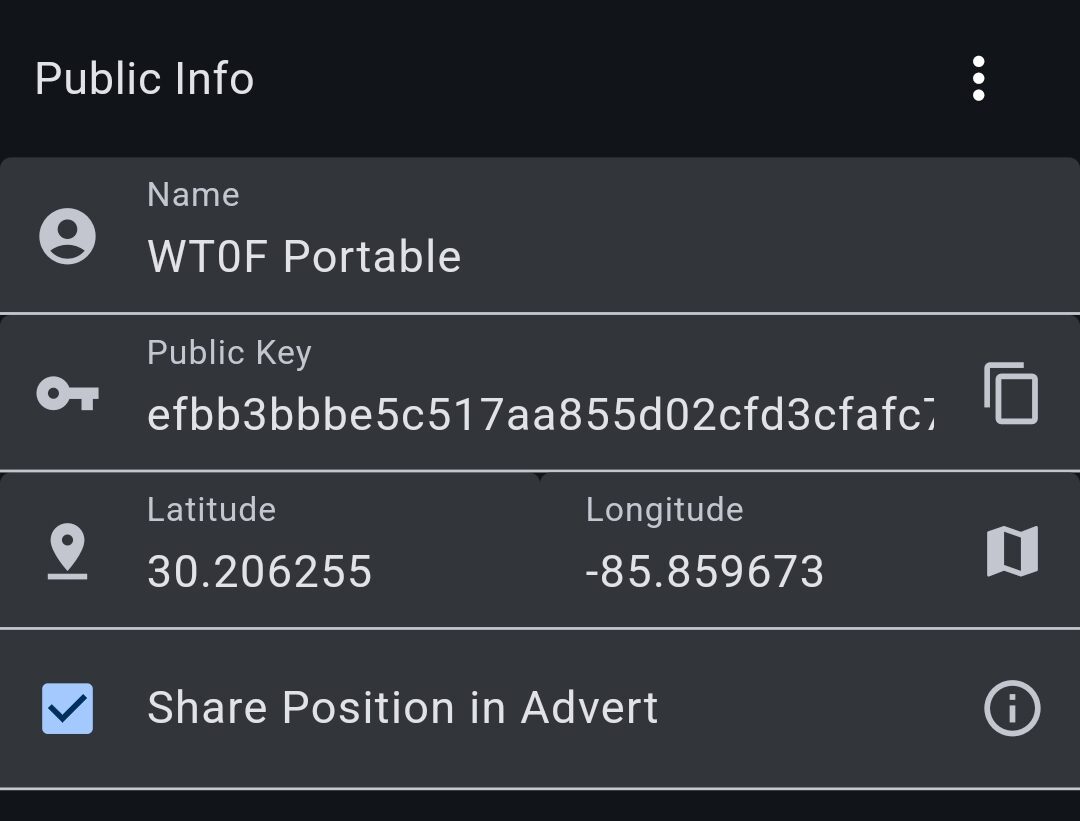
To complete the ability to send position reports, you need to click the checkbox in the Public Info section of the settings that shares the position in an advert. Enable the share position and then make sure you click the check mark at the top of the screen to save the setting. Now when you send an advert you position will be included if the GPS has a fix.
Simple as that.